

How do I reduce returns in cash on delivery?
A parcel that comes back costs you its delivery and then its return, and earns you nothing. Nothing stops every return, but most weak orders show their signs before shipping — and the decision is yours while you are on the phone with the customer. Here are the seven steps as they work in Hi Mico.
Last updated:
1. Don’t ship before confirming by phone
Every order goes through the confirmation agent before it leaves: they call and record what the customer said, and the order of a customer who doesn’t answer is postponed to a time when it comes back to them. The platform also flags a likely duplicate, when the same phone orders the same product while its first order is still open, so you don’t ship twice.
2. Read the “Return risk” on the order
Every new order is measured by the engine the moment it arrives, before anyone calls the customer: Low, Medium, High or Critical. It reads this number’s history with you (what was delivered, returned or cancelled), its reputation with the platform’s merchants without any merchant’s name or figures, and the signals of the moment of the order: a phone that isn’t a valid line, a name with symbols or digits, a commune that doesn’t belong to its wilaya, another order from the same number within half an hour, a missing or very short address, or a large quantity.
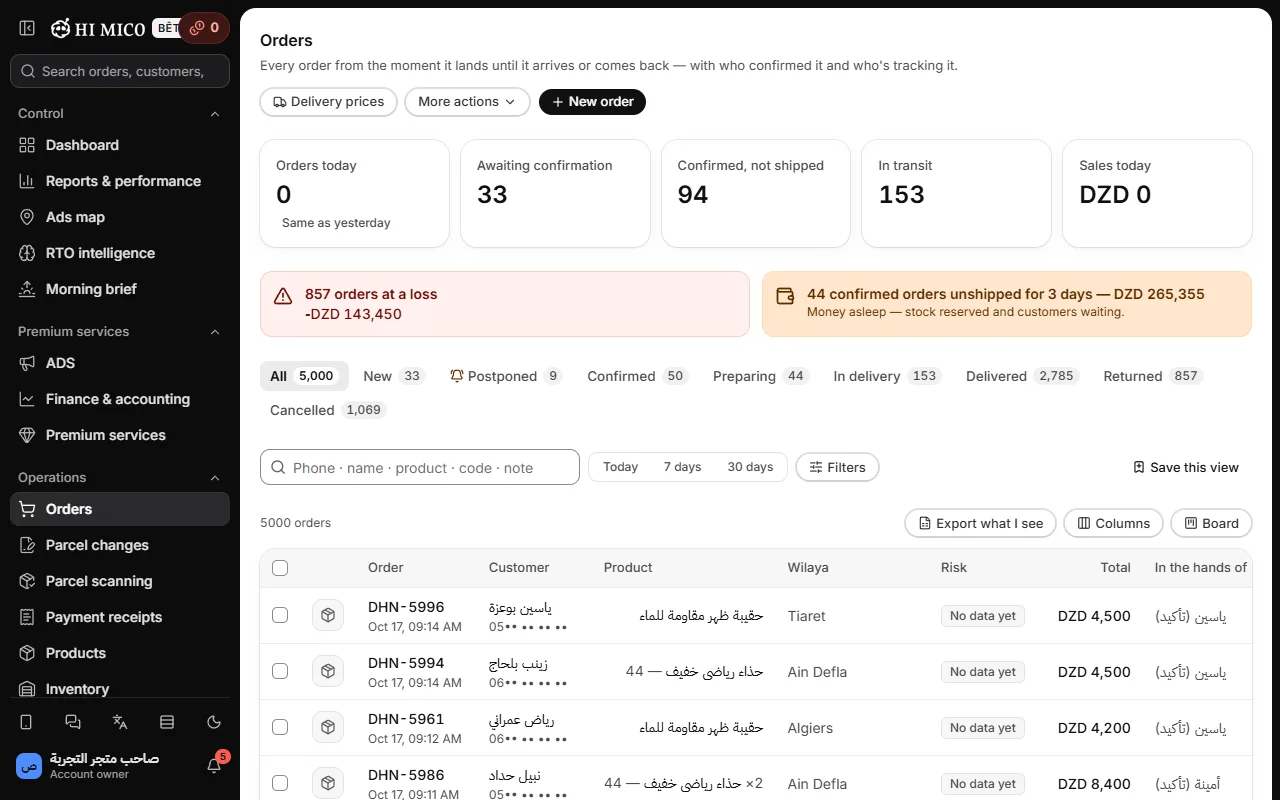
In the orders list you filter by “Return risk” to start your day with the riskiest, and the customer card shows how many orders they placed, how many were delivered and how many came back.
3. Follow the “Suggestion for the call”
Alongside the return risk, Hi Mico suggests what the confirmation agent should say: a number that has returned before, so ask for a clear commitment or a deposit if they agree, or offer desk pickup — closer for them, cheaper for you if the parcel comes back. If they have another order, read both back; if the number has no WhatsApp, call directly; if the number doesn’t look valid, ask for a second number before shipping.
4. Take a deposit when it’s needed
You record the deposit on the order, so the slip prints only the difference and the carrier collects only the rest. A deposit larger than the order total is refused, so the driver never reaches a customer with nothing to collect. In your store and landing pages you can also ask the customer for a deposit.
5. Stop fake orders at the door
In “Fake orders” you choose how long a ban lasts: from 1 to 365 days, or forever. When a confirmation agent bans a number from the order itself, it can’t order from your store, your landing pages or your WhatsApp bot for that long, and anything it sends through sales channels is held for your decision.
You also cap orders per number in 24 hours and the hours between two orders; Hi Mico detects bots on the order form without showing the customer anything, and checks the phone, the commune and its wilaya. “Try a number” tells you what the engine does with a number right now, without writing anything.
6. Help the driver find the customer
The driver calls to ask the way, time is lost and the parcel comes back. So you send the customer the “Location link”: they share their location once, and if they can’t find it they type the landmark nearest their home; the driver gets it with the parcel. The location is accepted until the parcel leaves for the carrier.
7. Find out where returns come from
In “RTO intelligence” you see your store’s confirmation, delivery and return rates, the confirmation and delivery rates of each product and variant, and for each landing page: out of every 100 visitors, how many ordered, were confirmed and were delivered. In “Delivery times” you see, for each wilaya, how long parcels take and the return rate there — so you know which product, which page and which wilaya returns most before you raise your ad budget.