

How do I build a landing page for a product?
A landing page is what someone sees after clicking your ad: the product’s photos and what makes it stand out, then a form asking for their name, phone and wilaya. In Hi Mico you build it with no developer and no hosting, and every order from it lands in your list as “new”.
Last updated:
1. Get the product card ready first
The page takes the product’s name, description, price, strengths and photos from “Products”. For a page built with AI, the product needs its name, at least four photos from different angles and all its required fields. The more complete and accurate its details, the closer the page comes to what you want.
2. Start from a template or with AI
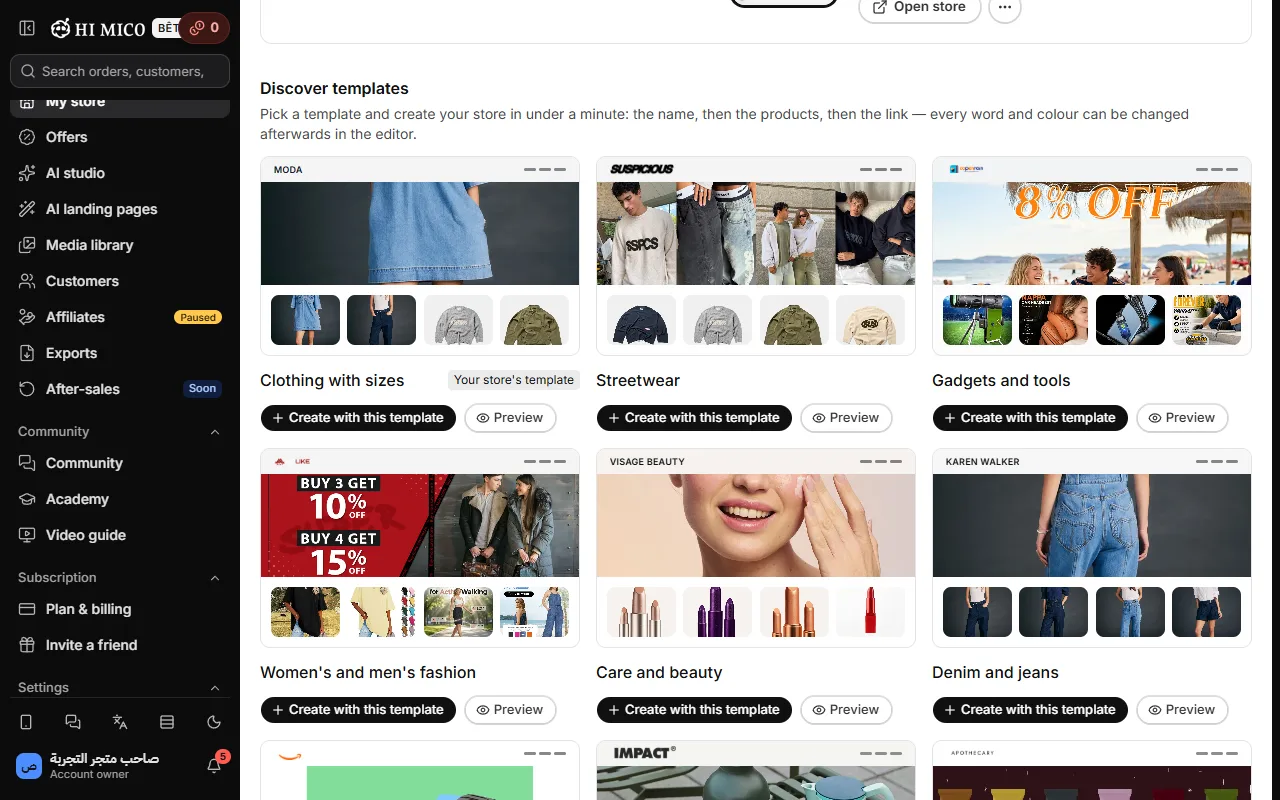
In “AI landing pages” you pick a ready template — a product page with the order form, then the thank-you page — and adjust it on the board. Or you press “Create with AI” and pick the product, and the whole page is built from its card.
The AI says nothing about your product beyond what is on its card, and the customer reviews you paste are used exactly as you wrote them: it never writes a review itself.
3. Arrange the blocks
You build the page from ready-made blocks: hero, features and benefits, before and after, video, FAQ, trust badges, customer reviews, countdown and a call to order. You edit every text in your store’s language and preview the page on phone and desktop before publishing. New photos or a video of your product can be generated with AI, saved in the media library and picked here.
4. An order form that knows delivery
The customer picks their wilaya and commune, and home delivery or pickup at the carrier’s office, and sees the price you set for them. The total is calculated on the server, not in the browser, with your offers and wholesale prices.
An order the customer started but didn’t finish can be recovered, and the form is protected against fake orders and against customers you have blocked. If you ask for a deposit, it is taken off the amount the carrier collects.
5. Add an offer after the order
After the customer orders, you show them an extra offer (upsell), or a smaller one if they decline (downsell), added to the same order rather than a second one, then the thank-you page. You pick the products and prices of both offers on the board before publishing.
6. Pixels, then publish
You add Meta, TikTok, Snapchat and Google pixels, events are also sent from the server to Meta, TikTok and Snapchat, and each visitor’s source is kept. No customer sees the page until you press “Publish”, and the board tells you what is blocking publishing. Every publish saves a version: the last 20 are kept, and you can restore any of them to the draft.
7. Measure and test
Every page has its own numbers, and you test two versions of a page at the split you choose: the winner is decided on delivered orders, not clicks. In “RTO intelligence” you see for each page: out of every 100 visitors, how many ordered, were confirmed and were delivered. And in “Finance”, its real profit.