

The AI studio: your ads start from your product photo
Good advertising needs fresh images and videos every week. Hi Mico Studio makes them with artificial intelligence from your own product photos, inside the platform that already holds your orders and your store, or with a studio-only account.
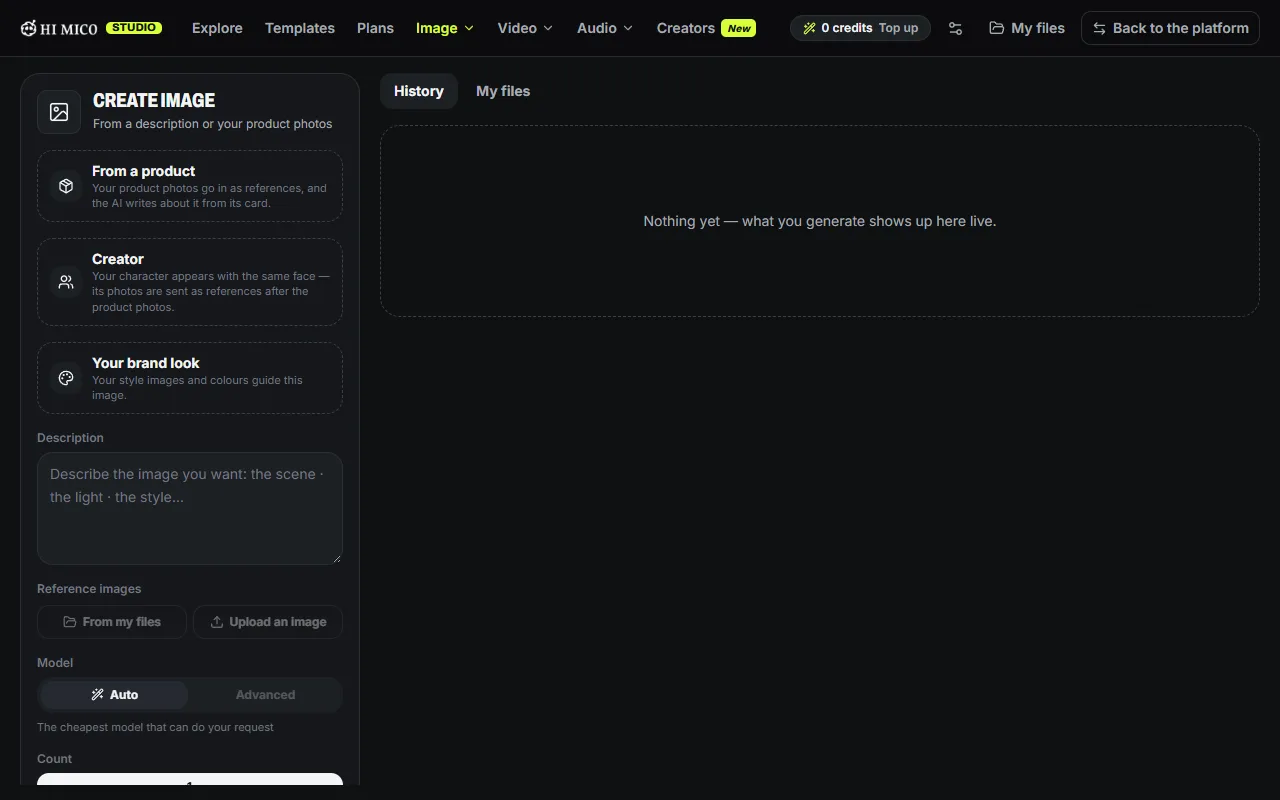
Image tools
You create an image from a description or from your product photos, a product shot on a clean background, an ad visual, a poster and an image for marketplaces. You edit an image with words, remove the background, relight it, extend the frame and upscale it.
Your brand identity gets its own board with your colors and style for images to follow, and you can generate a batch for several products or a matrix of variations in one go. Anything you don’t like can be deleted right away; what you keep is in “My files” and your media library.
Video and voice tools
You create a product ad video with its scenes, a UGC video where a person talks about your product, a product-in-use video, a cinematic shot and a short clip. You transfer motion from a reference video, sync lips to speech, extend a video or change its format, and turn it into ten versions with a different hook and scene to test.
For voice: text to speech, voice changing and speech translation.
In Darija, Standard Arabic and French
UGC videos speak Darija, Modern Standard Arabic, French or English, and text to speech gives your ad a voice in Darija or Standard Arabic from voices you choose. Before a UGC video is made, its storyboard is shown to you for review, so you don’t generate a whole video only to find the scene doesn’t suit you.
Ready templates and creators
You pick a ready template and hit “Remake” with your product: the scene stays the same and the product changes. In “Creators”, characters keep the same face across every image and video.
From product to store and ads
You pick one of your products and the studio starts from its photos and description. Everything you generate is saved in the media library with a MICO code, ready for your store, landing pages and ads, or to download. You can also place it in a landing page straight from the page editor.
Inside the platform or on its own
If you sell on Hi Mico, the studio is in your menu under the same account, and from any product page you open it on that product’s photos with the “Images” or “Video” button. Team members with media permission can generate there too. If you only want the studio, you open a studio account from its page and sign in there directly.
Frequently asked questions
Do I need design or video editing skills?
No. You pick a tool or a template and give it your product photo and a short description. The AI model is chosen by the studio in automatic mode, or by you in advanced mode.
What language does the UGC video speak?
Darija, Modern Standard Arabic, French or English, chosen before generating. The storyboard is shown to you for review before the video is made.
Where are the images and videos saved?
In your account’s media library, each file with a MICO code, from where you use it in your products, pages and store.
Does the studio know my products?
Yes, if you sell on Hi Mico: you pick a product and the studio takes its photos and description from its product card, with no re-uploading.
How is generation charged?
In credits: you see the cost of each generation before you click, and if it fails its credits come back to you. Plans are on the “Our pricing” page.